Business
Forma — Corporate
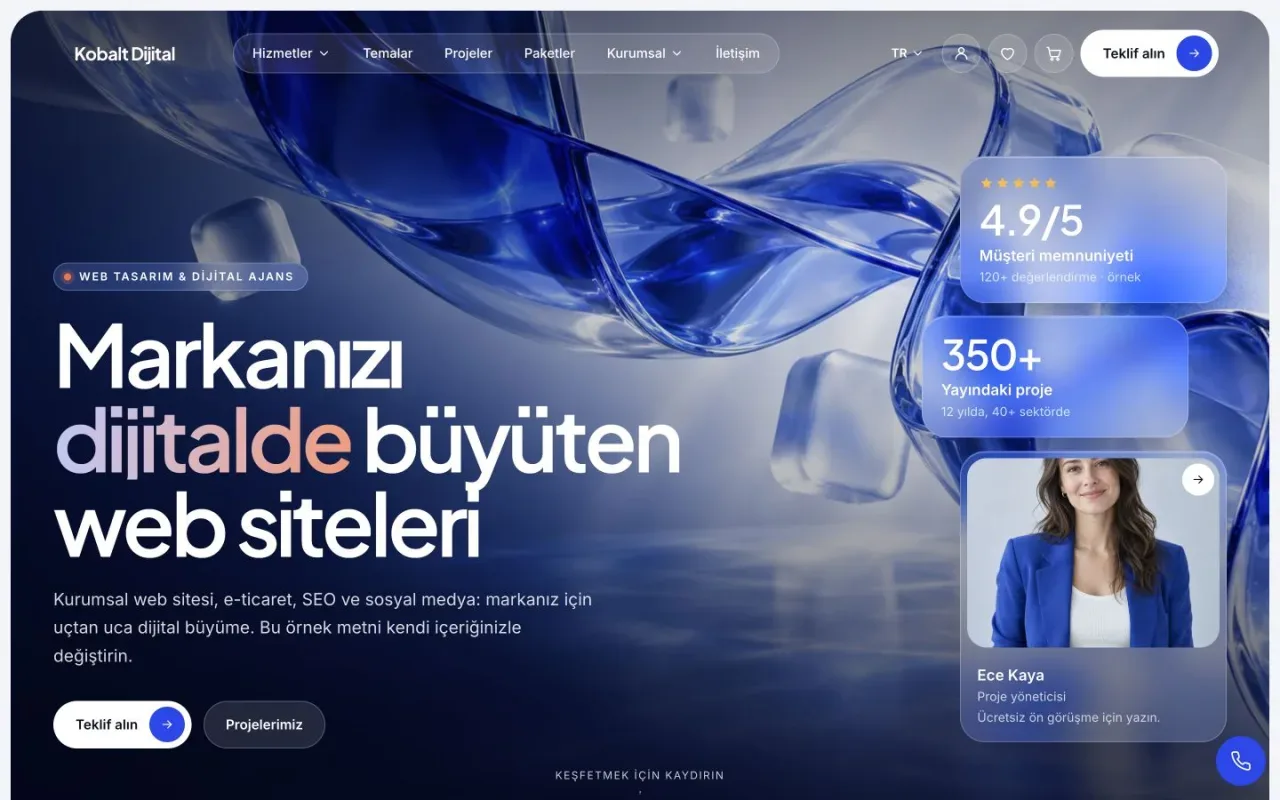
Present your services, team and completed projects. Add a product catalogue to the same website and manage the content in your own panel.
From
₺3,499
Present your venue, opening hours and photo menu in one website. Update items and prices in the panel; let customers open your menu with a QR code.
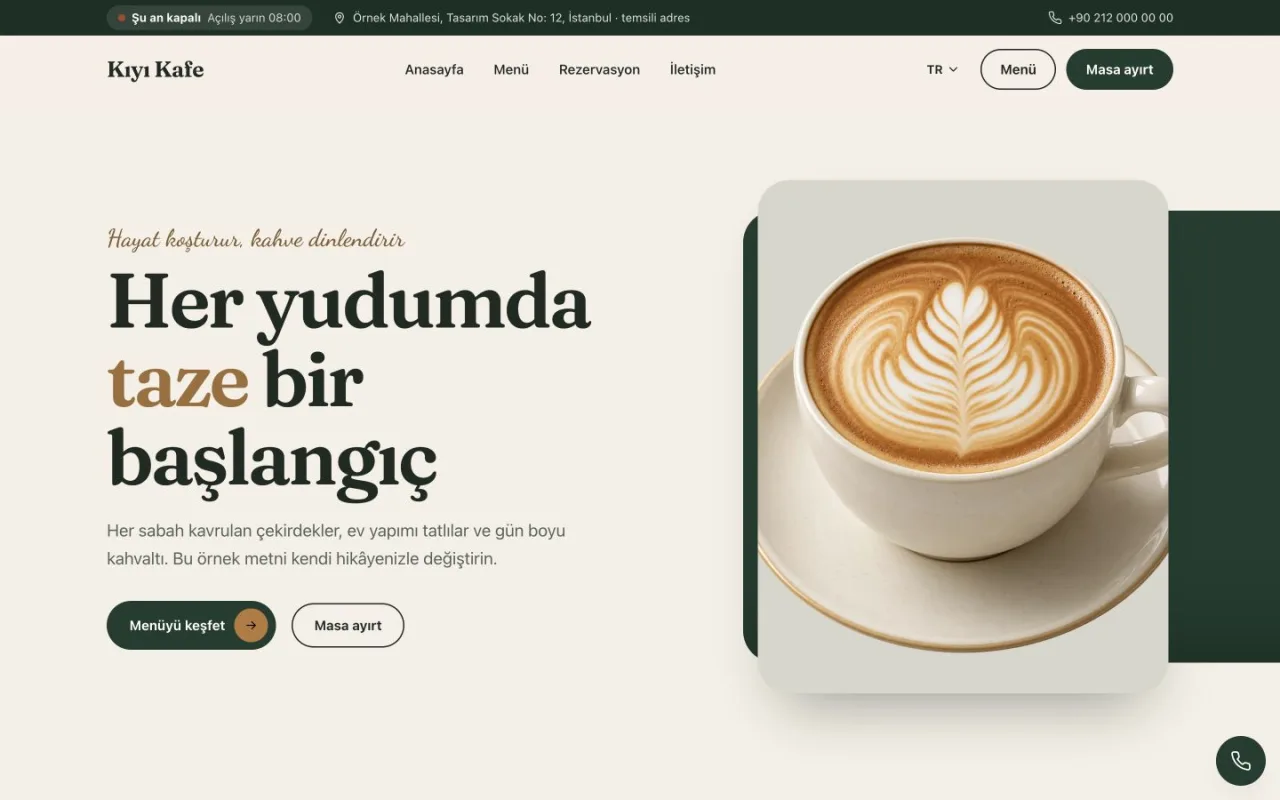
Mola — desktop home page
Enlarge image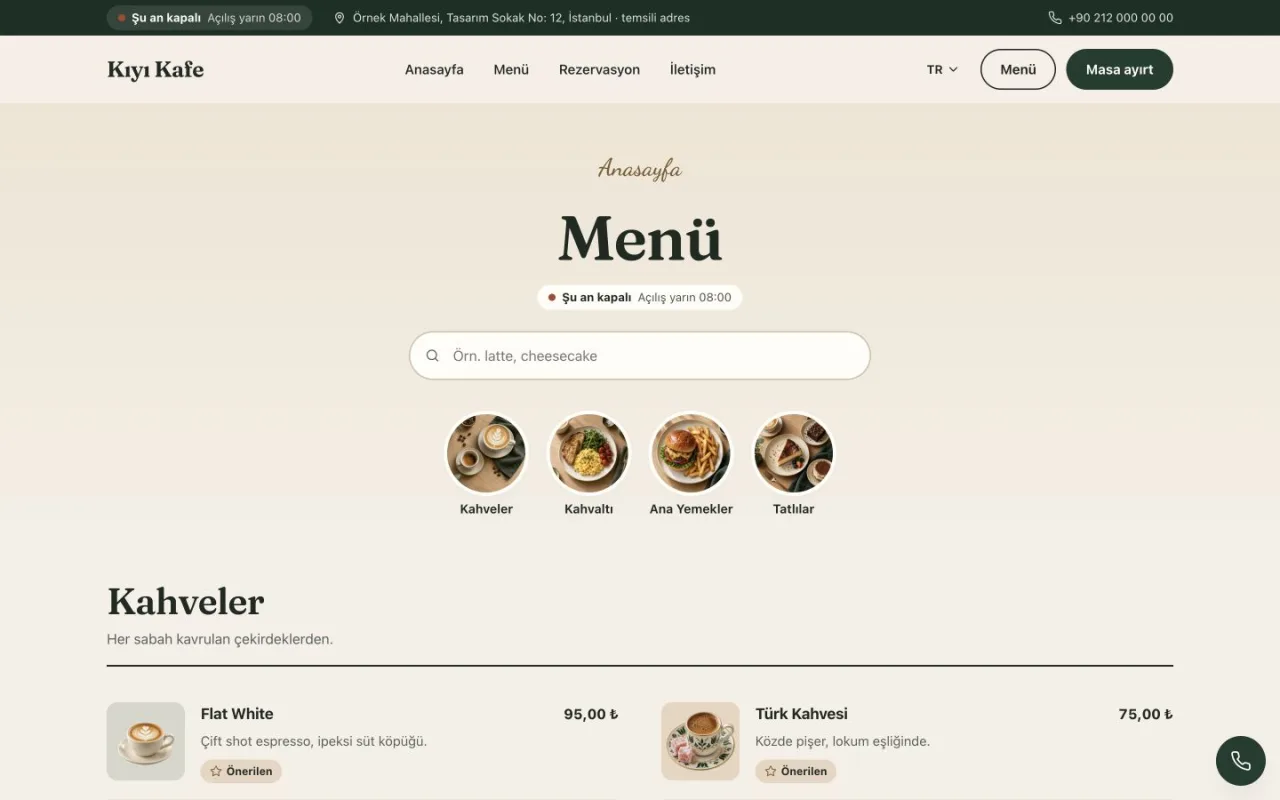
Mola — desktop menu and categories
Enlarge imageScreens captured from the live demo. Demo brands, content and prices are examples.
Mola is a ready-made website theme for cafes and restaurants that want to present their venue and menu on their own domain. The administration panel brings together a photo menu, QR access, opening hours and reservation enquiries.
It suits independent cafes, breakfast venues and restaurants whose visitors need to browse the menu and contact the business. When a seasonal item changes, the business can update its name, description, photo and price in the panel. Separate Turkish and English content fields let you prepare menu descriptions for visitors in each language.
| Page or module | How the business uses it |
|---|---|
| Home page | Venue introduction, featured items and links to the menu |
| Digital menu | Categories and subcategories, item search, photos, descriptions and prices |
| QR menu | A QR code opening the menu URL, PNG/SVG downloads and a table card |
| Reservations | Enquiries with a date, time and party size |
| Contact and opening hours | Address, phone, map and weekly opening/closing times |
| Content management | Business information, page text and language options |
Reservations can be disabled. Sending an enquiry does not automatically confirm a table: the business reviews it and contacts the customer. Home page sections can be arranged around the content you publish.
The live Mola menu demo uses a sample business called Kıyı Kafe. Its main categories are Coffee, Breakfast, Main Courses and Desserts, with Cold Coffee as a subcategory. A visitor can search for Cold Brew, read the Avocado Toast description and enlarge an item photo. Featured items have a separate label.
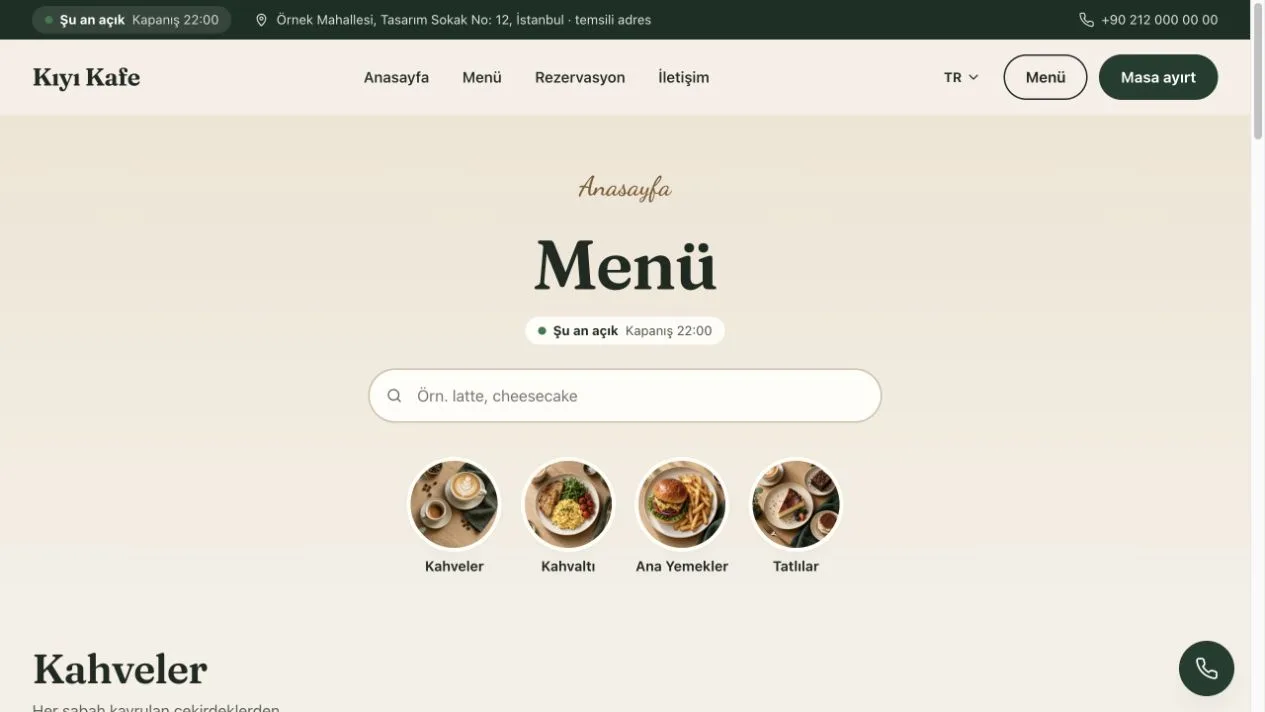
Captured from the live theme's Turkish menu page. Kıyı Kafe, its contact details, items and prices are demonstration data.
Create menu categories and assign each item to its category. Add a photo, short description and price before publishing. You can mark an item as sold out when it is temporarily unavailable and arrange the order within a category.
Bulk price editing can prepare an amount or percentage adjustment for selected items, one category or the entire menu. Review the proposed prices before applying the change. This helps you check the outcome without opening every item individually.
The QR code does not need reprinting when items or prices change, provided the menu URL stays the same. If the domain or menu address changes, check the printed codes against the new address. For category order and item descriptions, see the QR menu preparation guide.
Start with your categories, current prices, item descriptions, images you have permission to use, business address and opening hours. Once phone and WhatsApp details are configured, visitors can use the contact options. Menu search and category navigation are available on mobile devices.
Mola's menu module does not manage stock, a cash register or kitchen orders. If you need online payment, a POS connection or automatic table capacity management, assess that scope separately before purchasing.
Compare the one-time licence, update and hosted options on the pricing page. For installation on your own hosting, check the hosting requirements guide. Consider the theme's features alongside the installation, update and support scope of the package you select.
Themes
Business
Present your services, team and completed projects. Add a product catalogue to the same website and manage the content in your own panel.
From
₺3,499
Portfolio
Turn your services and portfolio into a compelling digital experience.
From
₺3,499
Business
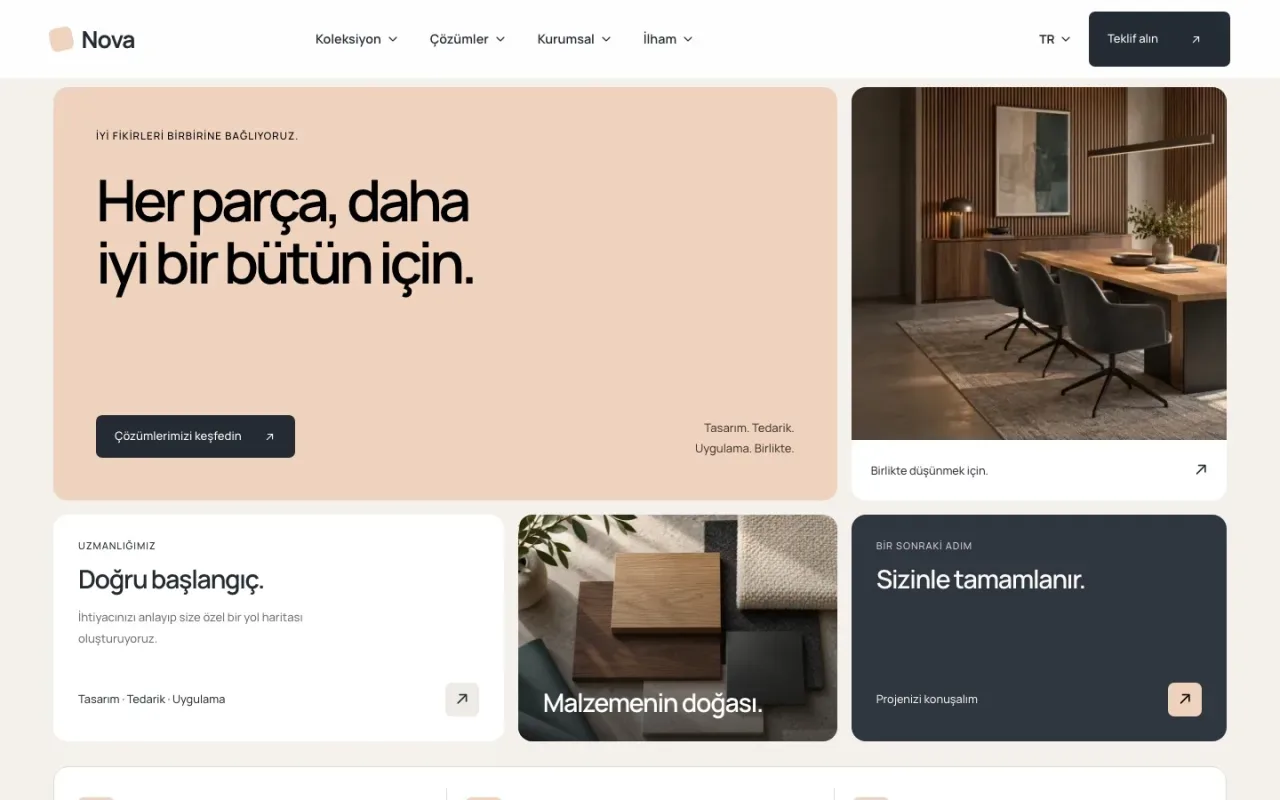
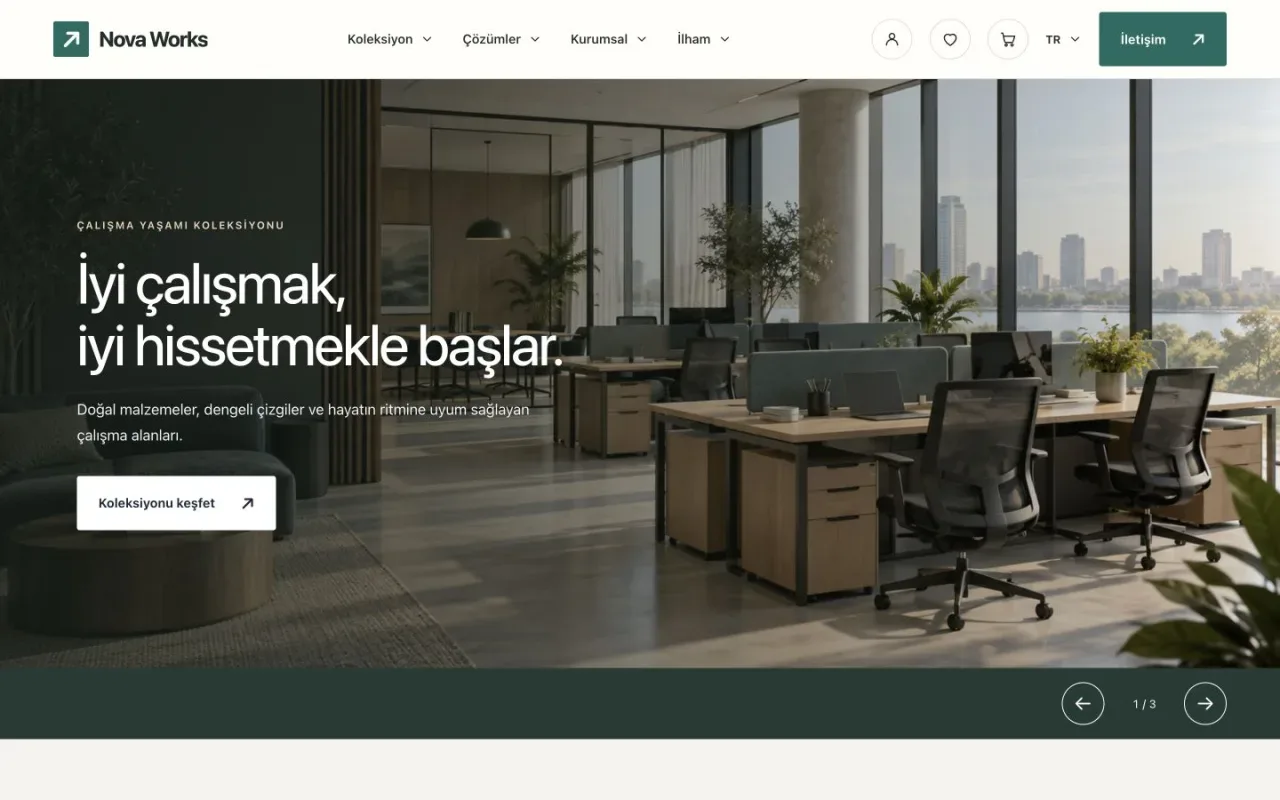
A visual catalogue, service and project presentation for furniture, interiors and product-led businesses. Guide visitors from browsing products to an enquiry.
From
₺3,499