Business
Kalem — Construction
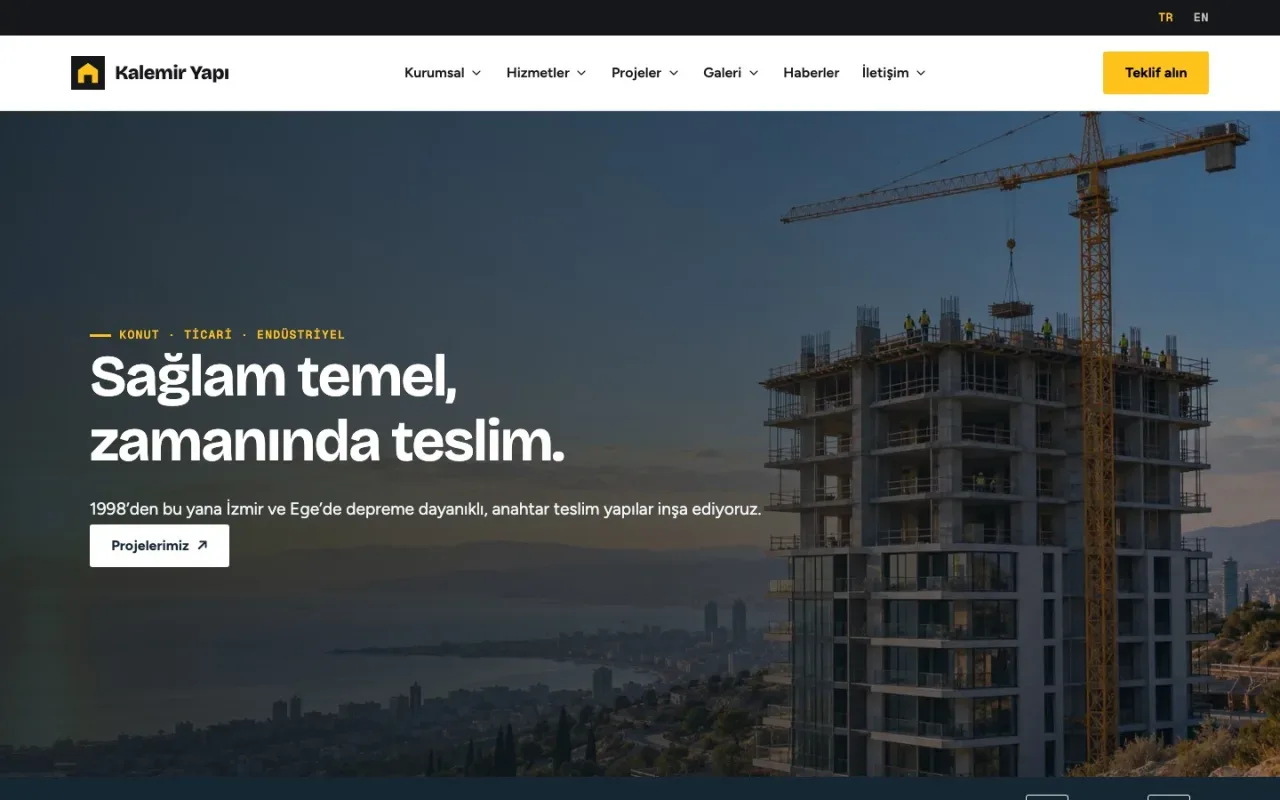
A responsive theme for contractors with project progress, detailed quotation requests, CV applications and a company content panel.
From
₺3,500
Showcase properties with photos and maps. Manage your portfolio through consultant dashboards and offer customer favourites, saved searches and property submissions.
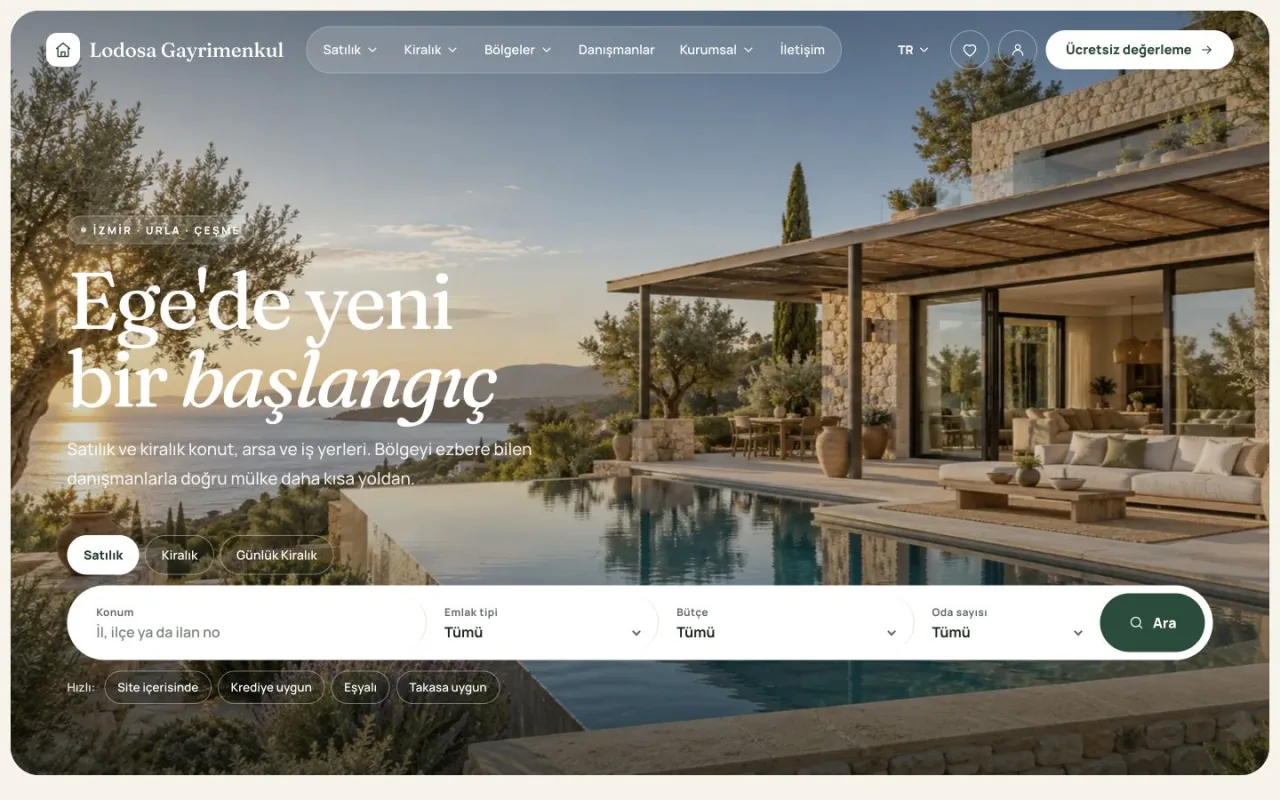
Vadi — desktop home page and property search
Enlarge image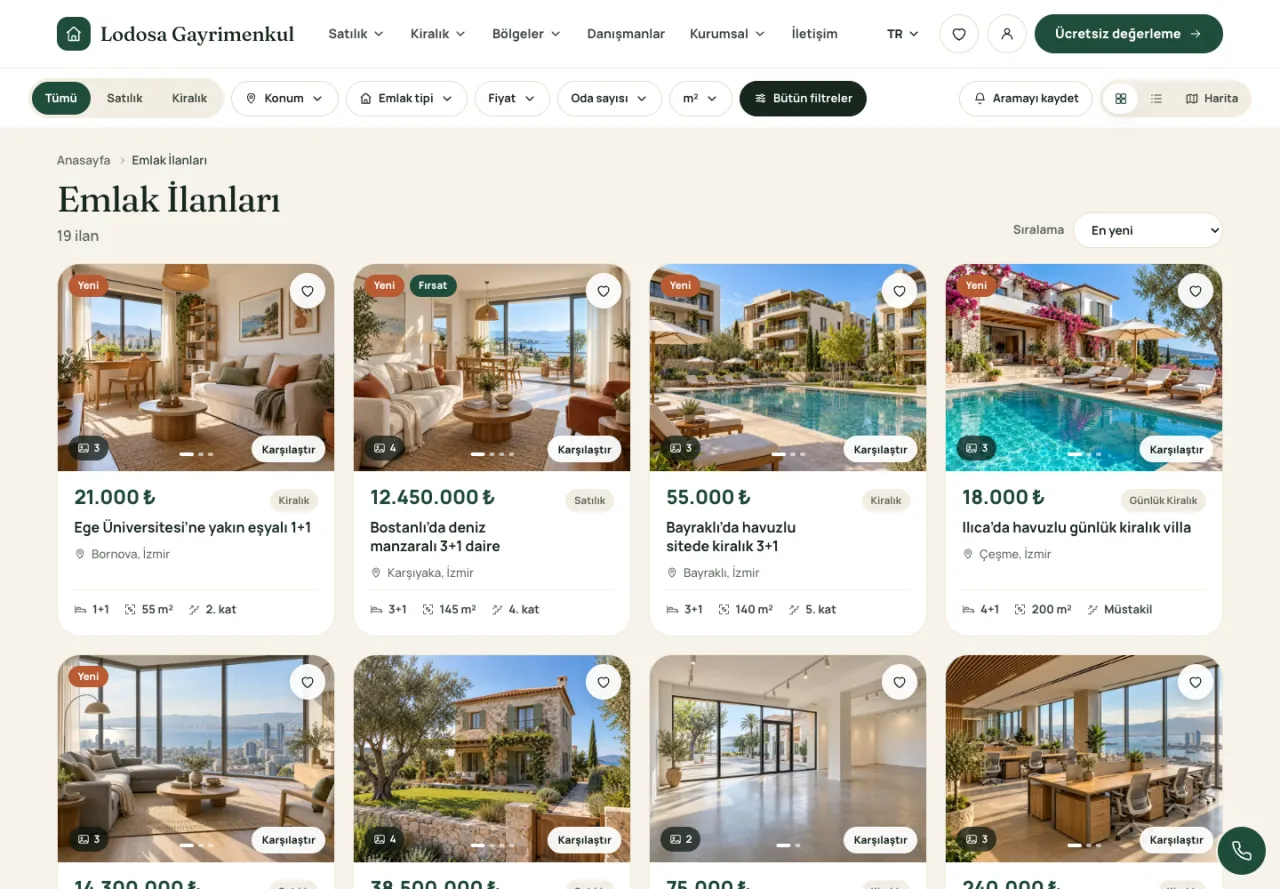
Property search and listing filters
Enlarge image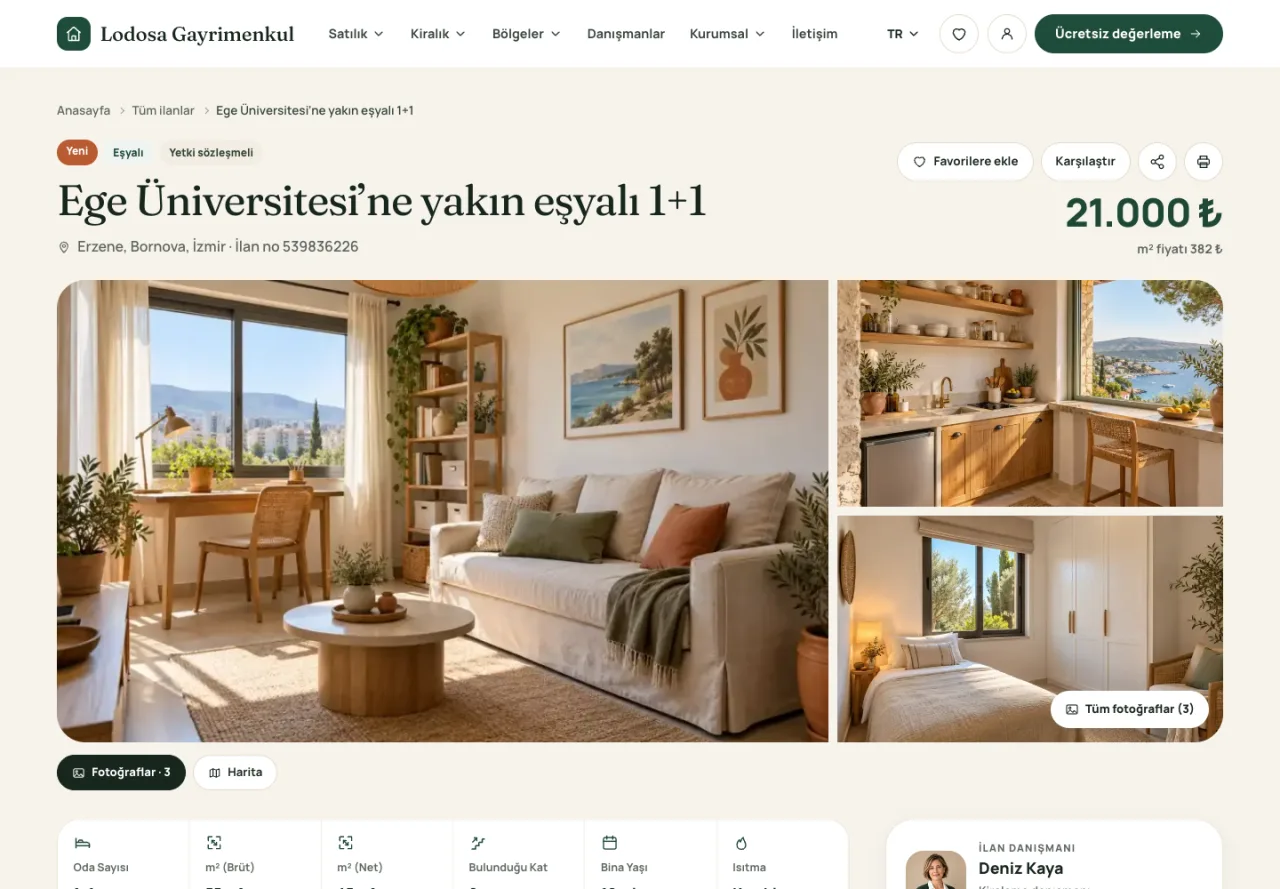
Property detail page with photo gallery
Enlarge image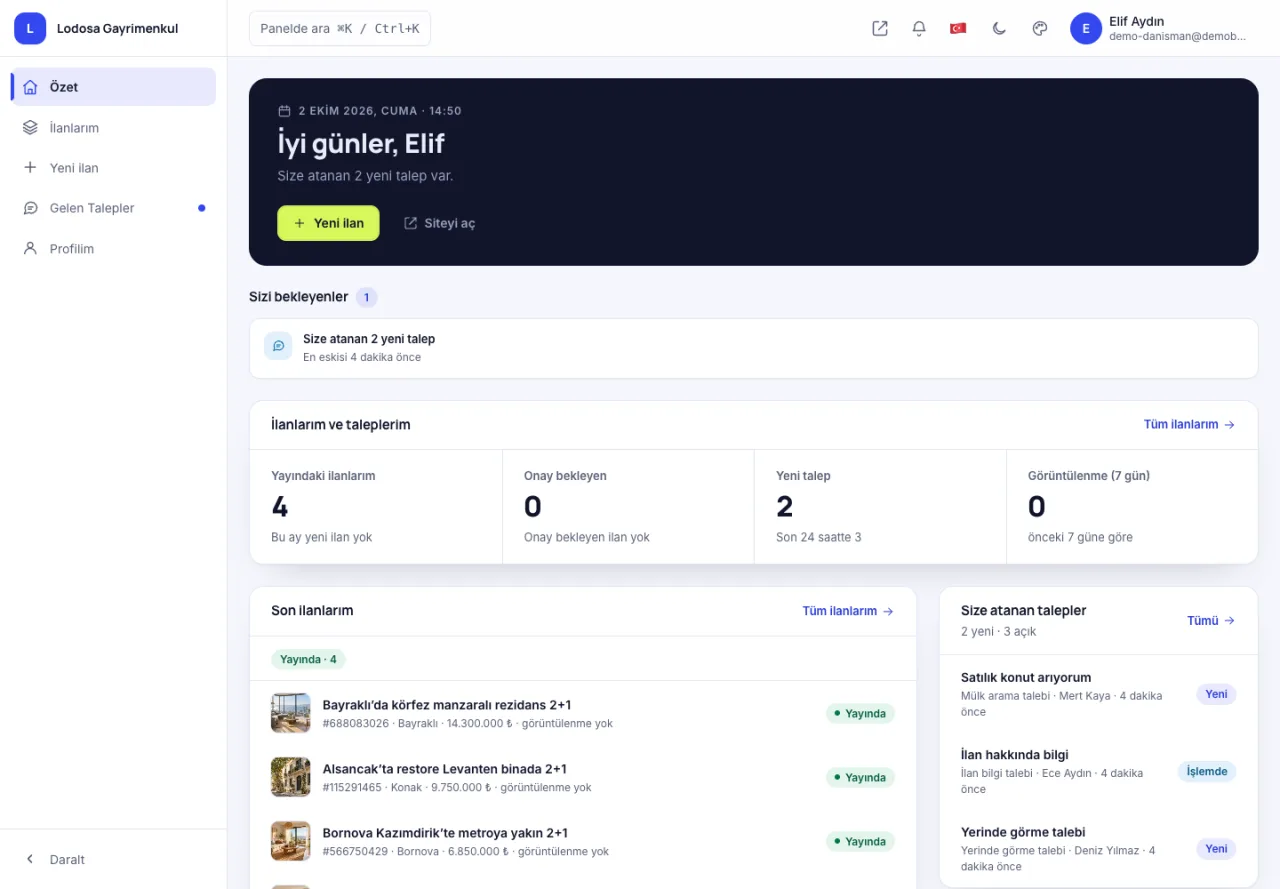
Consultant dashboard: portfolio and enquiries
Enlarge image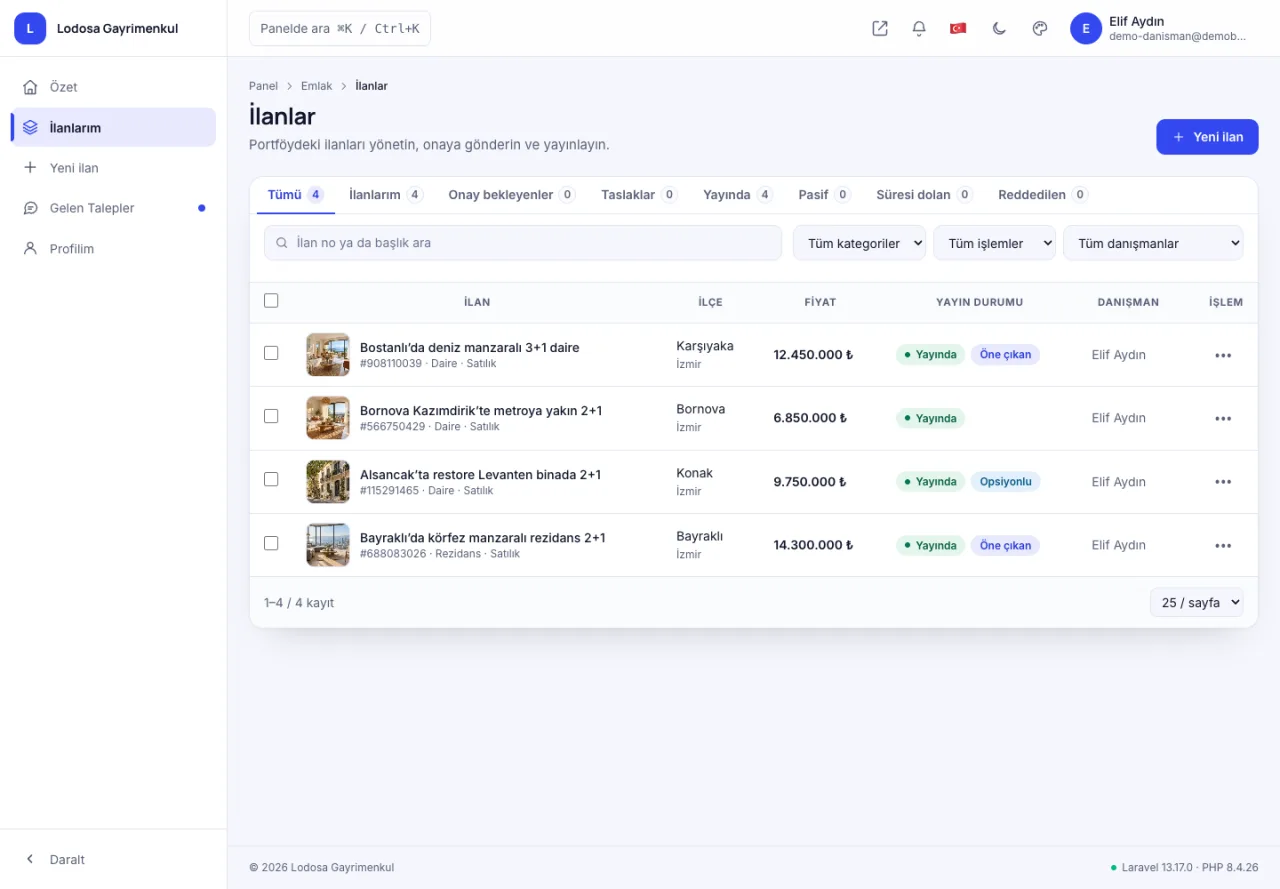
Consultant listing management
Enlarge image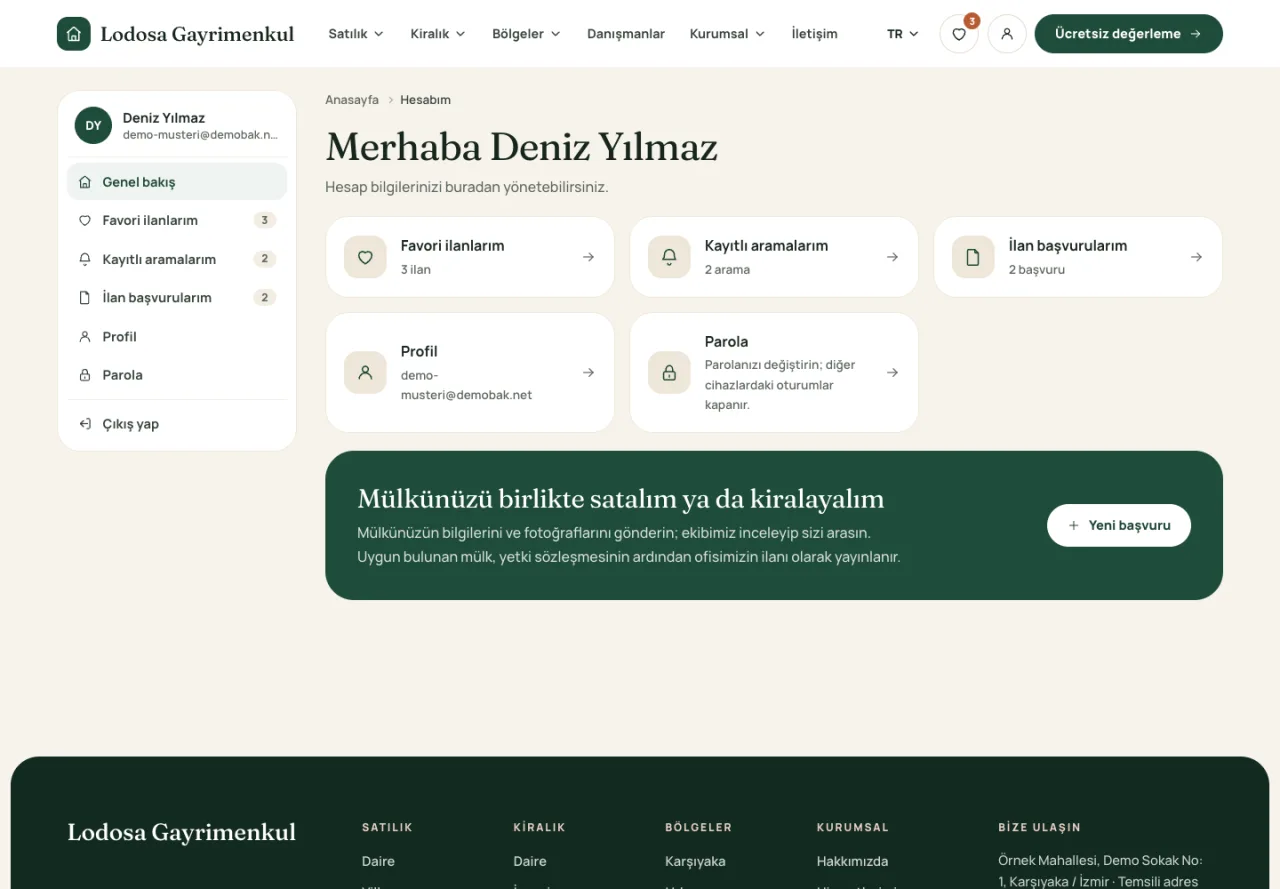
Real estate customer account overview
Enlarge image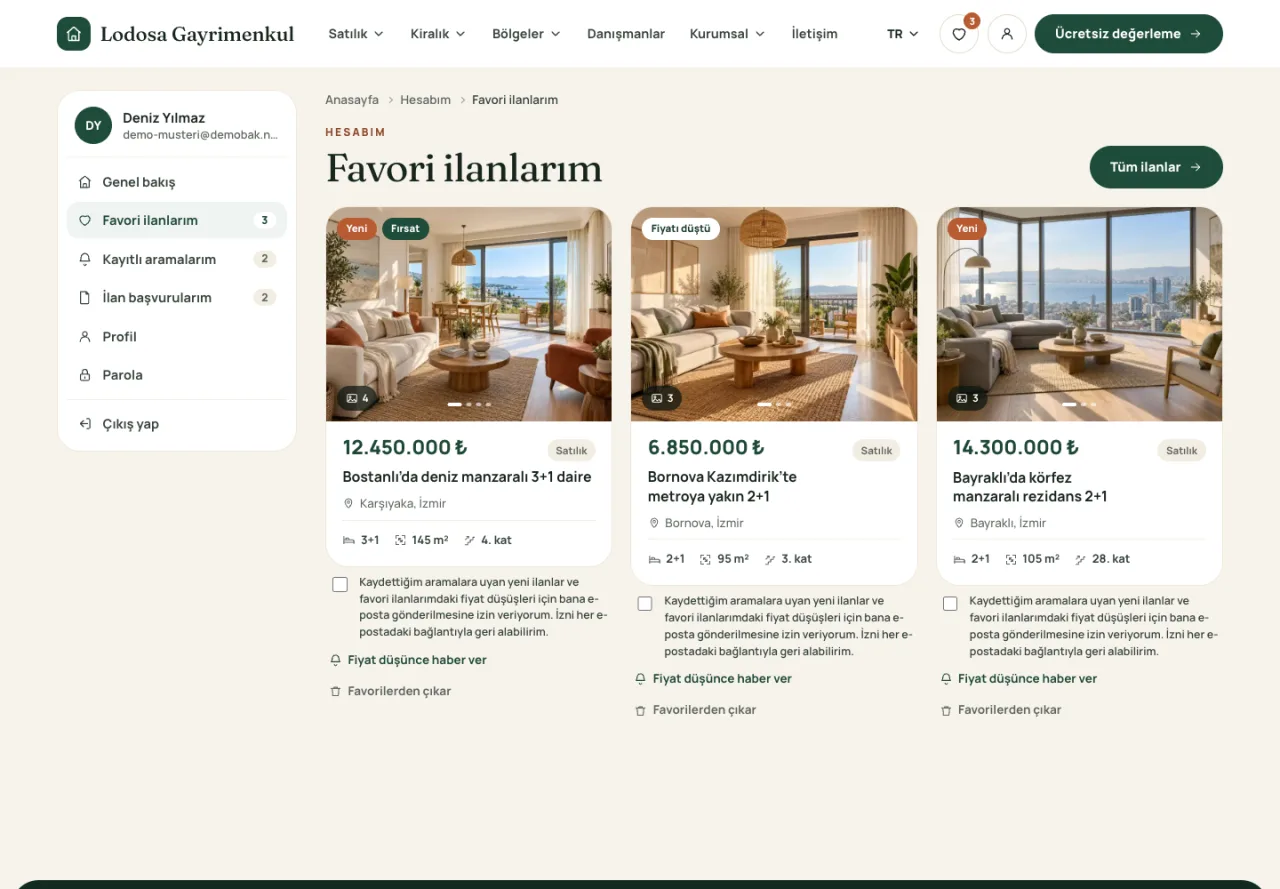
Favourite properties in the customer account
Enlarge image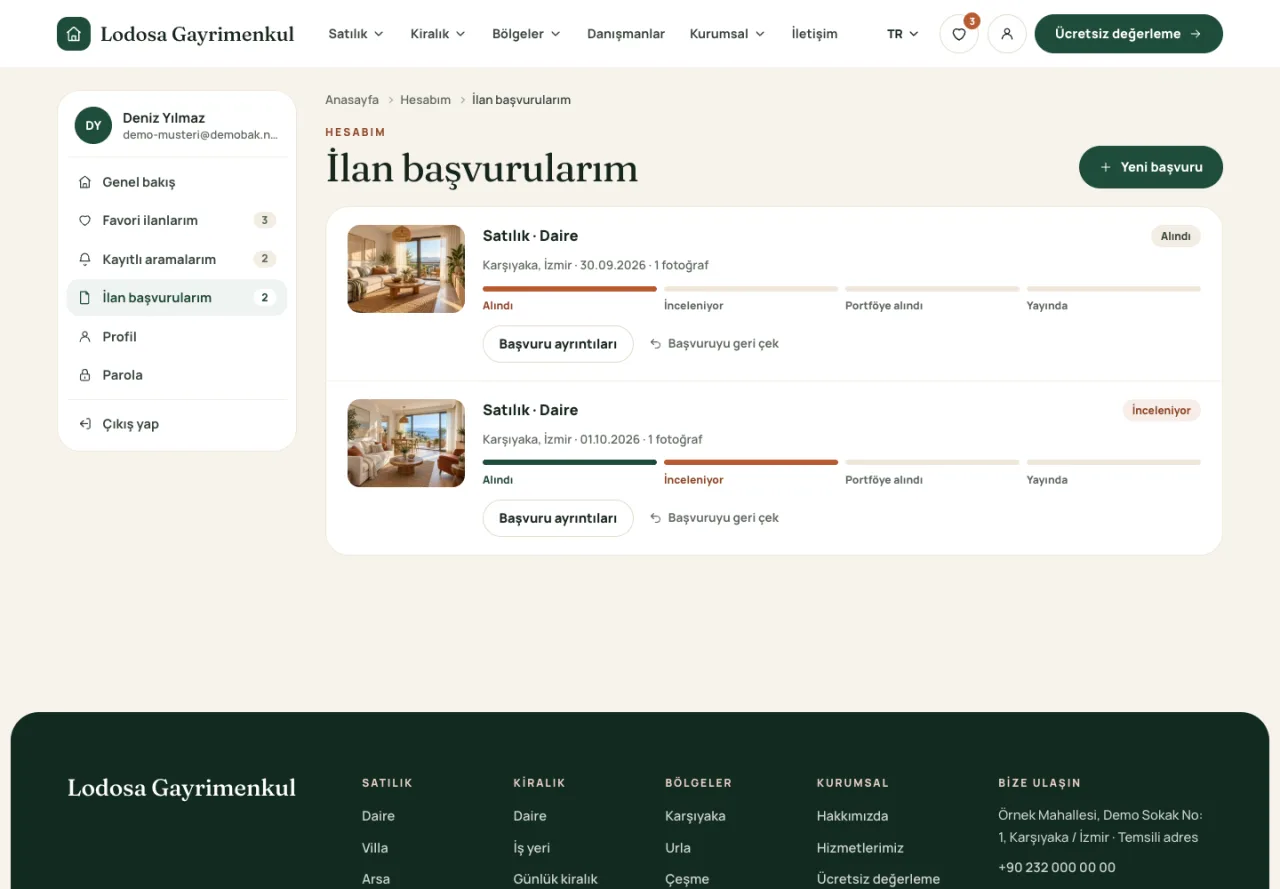
Customer property submissions and review status
Enlarge imageScreens captured from the live demo. Demo brands, content and prices are examples.
Vadi is a real estate website theme for agencies and property consultants. Present properties for sale and rent with photo galleries, maps and detailed listing information, while giving your team and customers their own account areas.
Vadi suits independent estate agents publishing their own listings and offices working with several consultants. The office can oversee publication while consultants follow their own properties and assigned enquiries. When customer account features are enabled, visitors can keep favourites and saved searches in their own panels.
| Page or module | Visitor and office workflow |
|---|---|
| Home page and property search | Entry to the portfolio; filters such as location, listing type, price and rooms |
| Search results | Card, list and map views for comparing options |
| Property detail | Photos, area and room information, description, approximate location and an enquiry to the consultant |
| Consultant profile and panel | The consultant's listings and enquiry management within their permissions |
| Customer panel | Favourites, saved searches and property submissions when enabled |
| Office content | Services, company pages, blog, FAQs and contact information |
| Property and valuation enquiries | Submissions reaching the office for the team to review |
Content pages need prepared and published records. A customer's property submission does not publish a listing automatically: office review and approval remain part of the workflow.
In the live demo's three-bedroom Bostanlı apartment example, visitors can browse photos and see the gross area of 145 m² and net area of 125 m² separately. The map shows an approximate location. Visitors can open the consultant's profile to browse their listings or submit an enquiry about this property. The office receives the enquiry in the context of the listing.
The business, consultant and property information are demonstration data, rather than a sale or customer reference. Use the property listing preparation guide to plan the information for your own portfolio.
Publish apartments, villas, land and commercial properties with fields suited to each category. Add photos, floor plans, videos, virtual tour links and price history. Visitors can filter by location, property type, price, rooms and floor area, then switch between grid, list and map views. Comparison tools and printable listing pages help them review their options.
Consultants sign in to manage their listings and assigned enquiries or viewing requests. The office can require approval before new listings are published. Public consultant profiles present their expertise, service areas and contact details.
Captured from the live demo. The people, properties and enquiries shown are fictional.
Customers can keep favourite properties in their account and save search criteria. New-listing and price-drop emails are available when an email service is configured.
A guided form collects the property type, details, location, photos and price. Owners can follow the status of their submission while the office reviews it and prepares a listing.
The photo-led layout adapts to phones, tablets and desktops. Manage colours, homepage sections, services, articles, FAQs and page SEO settings through the administration panel. Turkish and English content, valuation requests and property-wanted forms support your agency website. Phone and WhatsApp links are available when your contact details are configured.
Explore the live property demo and the office, consultant and customer demo accounts. Demo accounts are for viewing only; changes and real submissions are disabled. Compare licence and hosting plans before choosing your setup. Email notifications require an email service. Automatic syndication to third-party property portals is not included.
Themes
Business
A responsive theme for contractors with project progress, detailed quotation requests, CV applications and a company content panel.
From
₺3,500
Business
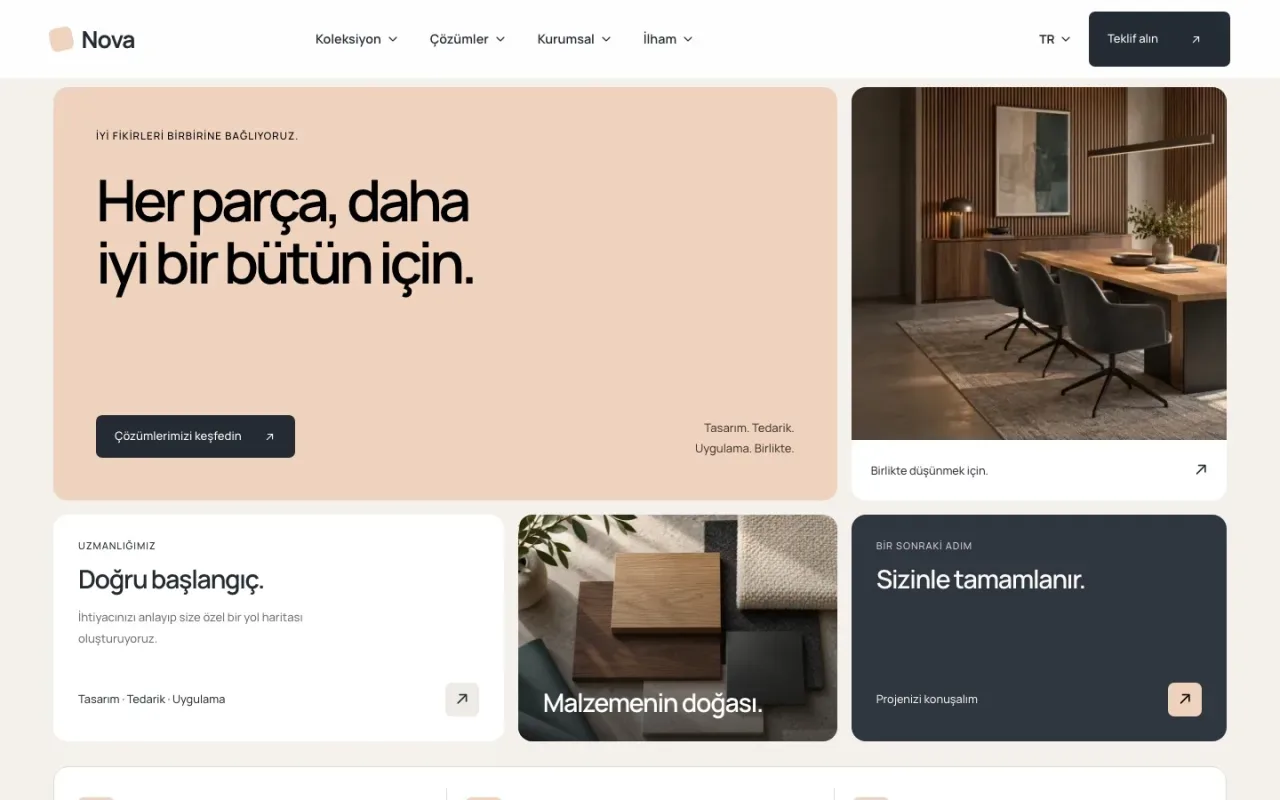
A visual catalogue, service and project presentation for furniture, interiors and product-led businesses. Guide visitors from browsing products to an enquiry.
From
₺3,499
Business
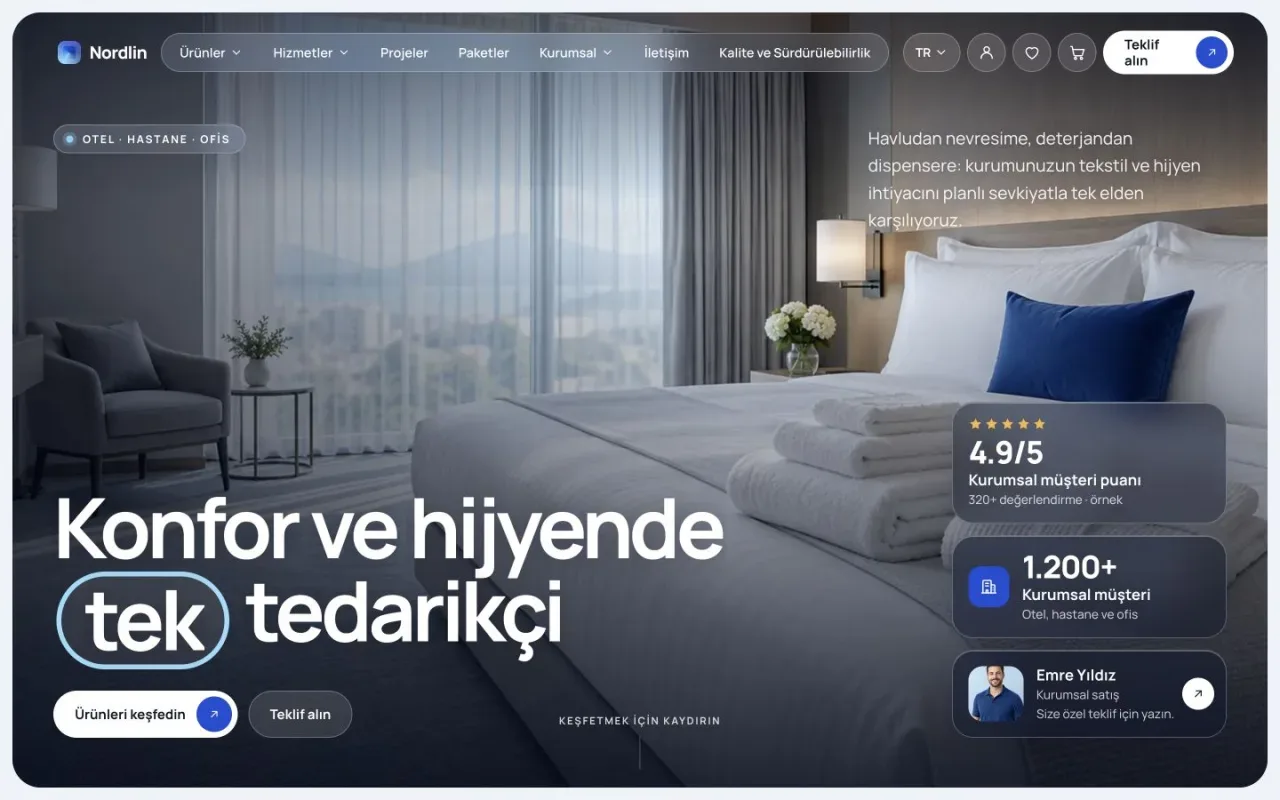
Present product ranges, specifications and related services together. Manage your manufacturer or supplier website through the Atlas admin panel.
From
₺3,499